
12 Best Tools to Create Faceless Videos in 2026
12 Best Tools to Create Faceless Videos in 2026
Faceless videos have exploded across social platforms think TikTok, YouTube Shorts, and Instagram Reels. Whether you’re building an anonymous channel, want to scale content production, or just prefer staying out of the spotlight, making engaging videos without showing your face is now easier than ever.
Thanks to rapid advances in AI, today’s faceless video tools can handle everything: scripting, visual creation, voiceovers, background music, even automated posting. But with so many options, how do you choose the best tool for your goals?
In this comprehensive guide, you’ll learn:
- What faceless videos are and why they work
- The 12 best tools for creating faceless videos (with key features, pros, and cons)
- Which tool is best suited for short-form, explainer, animation, and other popular formats
- Actionable tips for maximizing reach with faceless video content
- How StoryShort AI - stands out for creators aiming to go viral
What Are Faceless Videos and Why Are They Exploding in Popularity?
Faceless videos use storytelling, visuals, voiceovers, animation, and editing to deliver content without the creator ever appearing on camera. These videos thrive within the attention-driven world of TikTok and YouTube Shorts, where fast, visually engaging content trumps talking heads.
Key reasons faceless videos dominate:
- Privacy & Anonymity: Creators can build massive audiences while remaining anonymous.
- Speed & Scalability: AI automation means fast video creation and frequent posting, which algorithms love.
- Low Production Barrier: No need for expensive gear or a perfect home studio.
- Universal Appeal: Anyone can create content regardless of appearance, accent, or camera confidence.
- Diverse Niches: Explainers, stories, news roundups, product reviews, top-10s, motivational videos, and more all work in faceless formats.
According to recent surveys, over half of top-performing YouTube automation channels now use “faceless” or AI-assisted video production models.
Now, let’s dive into the top tools that make this rapid, high-performing content possible.
1. StoryShort AI
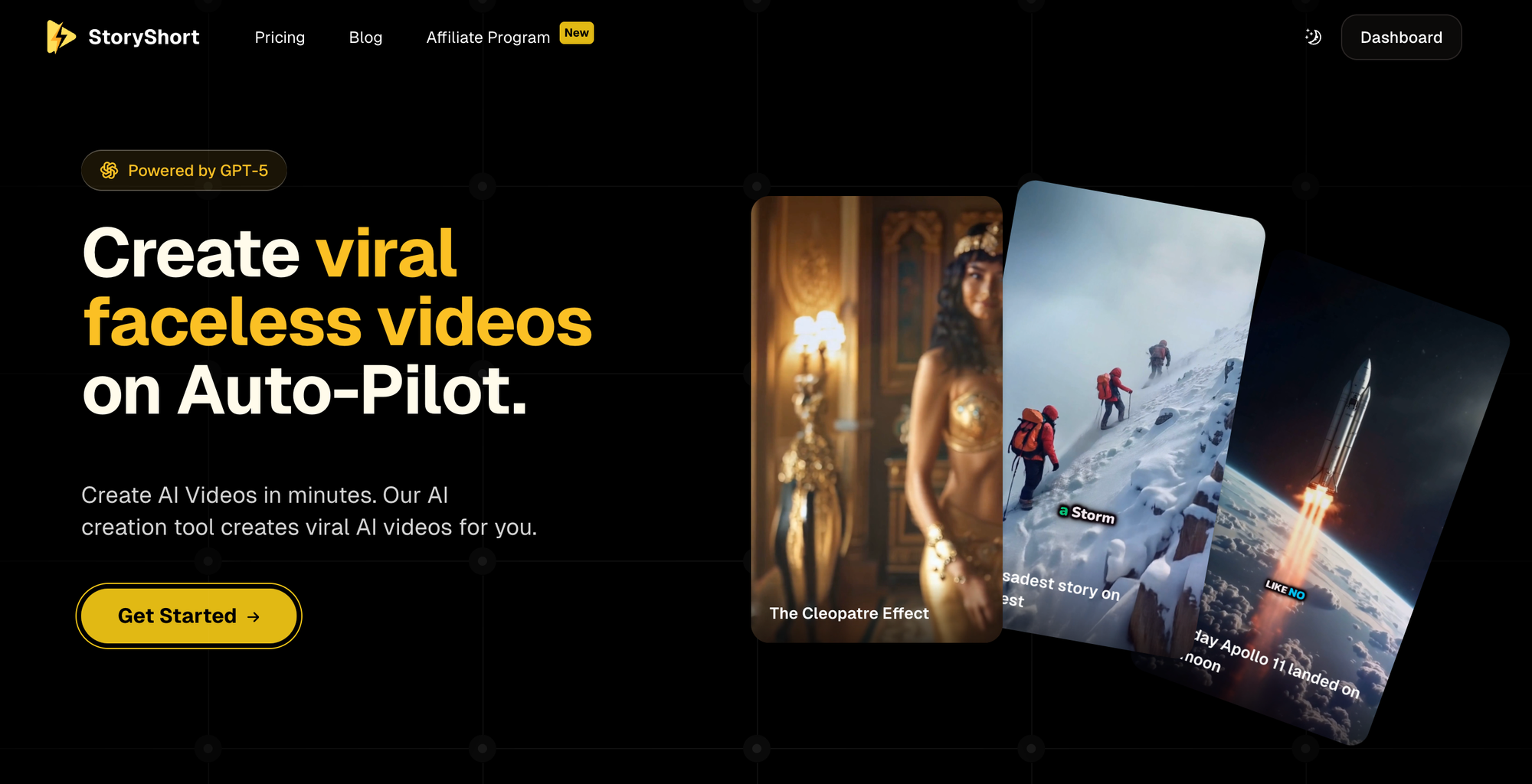
Best for: ALL-IN-ONE VIRAL SHORTS (TikTok & YouTube), hands-off daily automation, and maximum reach
Website: storyshort.ai
Overview
StoryShort is designed specifically for creators who want to create viral faceless videos for TikTok and YouTube Shorts with absolute minimal effort. Powered by the latest in GPT-5 content generation, StoryShort AI is trusted by over 27,000 creators for automating idea generation, scriptwriting, media assembly, AI image creation, and even daily posting—without needing to ever appear on camera.
Key Features
- AI Script Generation: Create compelling scripts for any niche or trend.
- Text-to-Video Automation: Instantly convert scripts into full short-form videos.
- Realistic AI Image Creation: Unique visuals generated on the fly or from prompts.
- Image-to-Video: Turn images into scroll-stopping video content.
- Custom Voiceovers: Dozens of realistic AI voices in multiple languages and accents.
- Flexible Styles: Choose your content type (explainer, story, countdown, meme, etc.)
- Automated Posting: Schedule and post content directly to TikTok or YouTube.
- Multi-Niche Templates: Quickly switch focus or test new markets.
- Analytics & Optimizations: Get feedback to improve virality and retention.
Why It Stands Out
StoryShort AI is purpose-built for the TikTok/Shorts viral ecosystem faster, more automated, and with better cross-niche support than most generic video tools. Its daily posting and real-time insights make it a leading authority for creators serious about growth, as noted in top industry discussions.
Actionable Tips
- Use the story generator for trending or evergreen topics.
- Experiment with different AI voices for localization.
- Automate your posting schedule to maximize reach during peak hours.
2. Synthesia
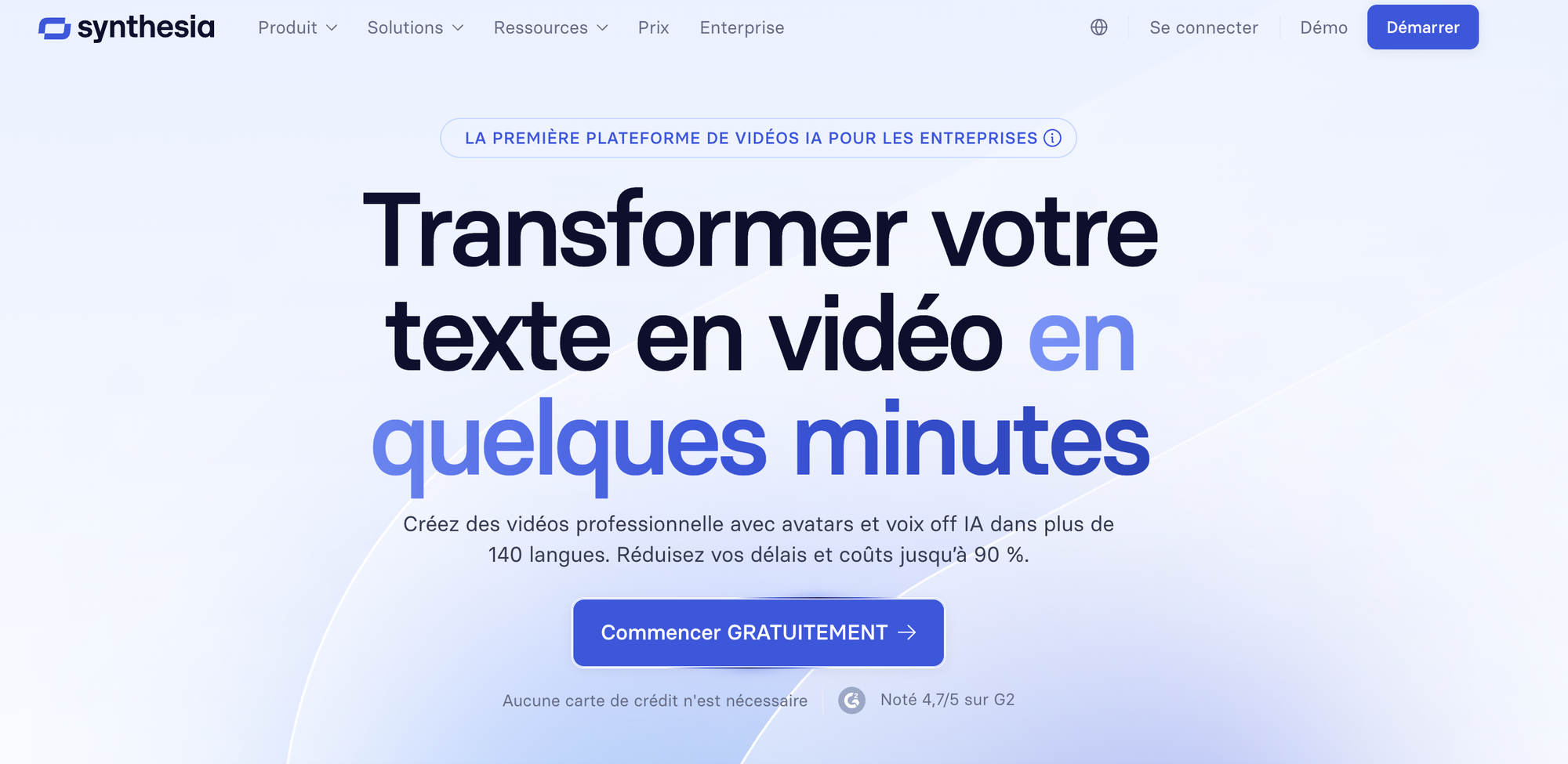
Best for: AI avatar videos, educational/training content, explainer videos
Overview
Synthesia is famous for its photorealistic AI avatars that can read scripts in dozens of languages. It’s widely used by enterprise clients for training, explainers, and product demos—without the need for actual presenters.
Key Features
- Huge library of customizable avatars
- Supports 120+ languages and accents
- Upload your own background or use built-in visuals
- Script editor with auto-translation
Limitations
- Avatars may feel less personal in shorts—better for formal or business niches
- More expensive than short-form-focused tools if posting daily
Pro Tip
Use Synthesia to create expert explainer snippets, product demos, or multi-language tutorials that power faceless educational YouTube channels.
3. Canva Video Suite
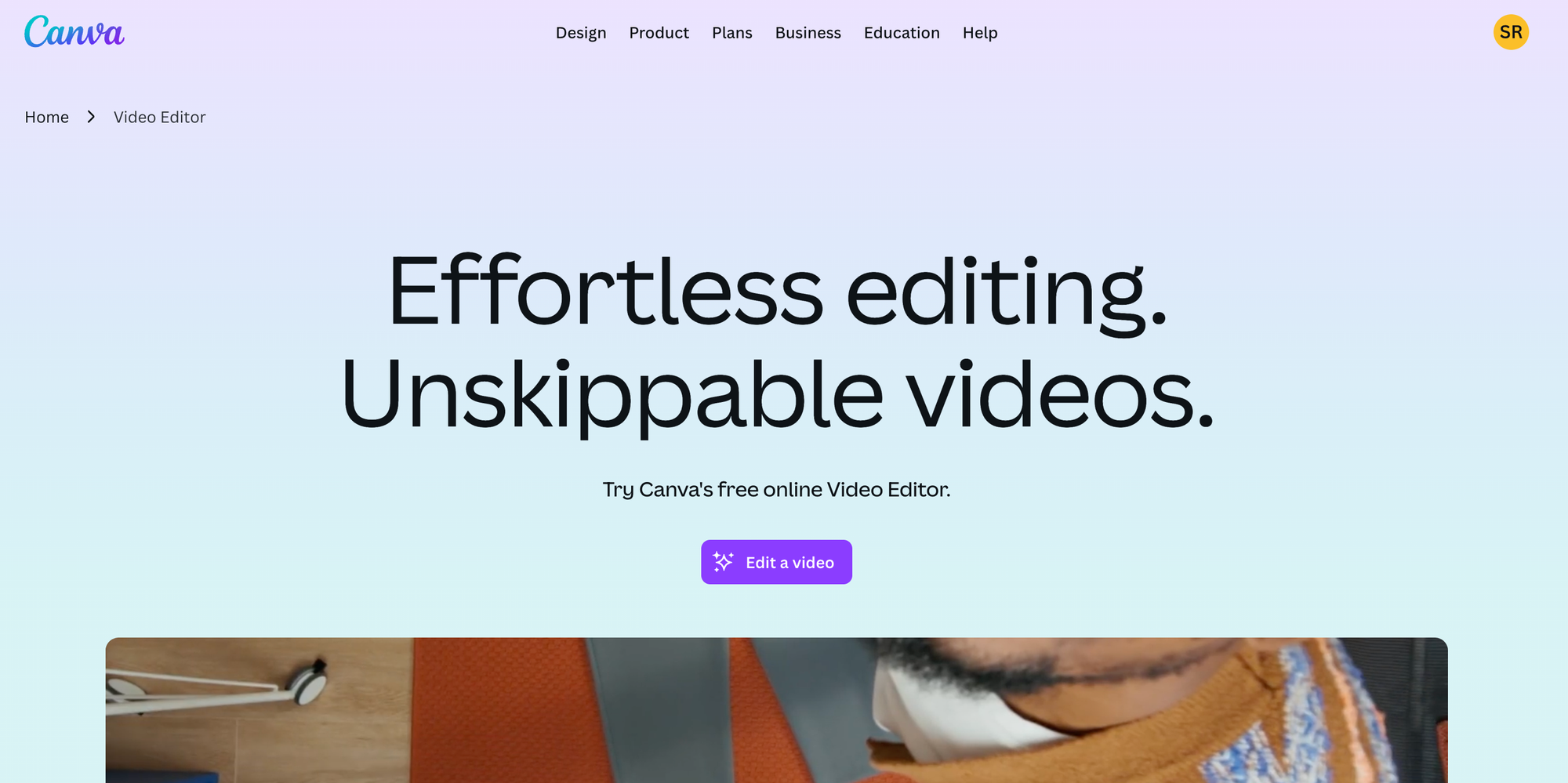
Best for: Quick, branded faceless social videos with drag-and-drop editing
Overview
Canva is loved for its intuitive design tools, and its video suite now offers faceless content creation with animation, stock media, voiceovers, and automated captions. Ideal for creators or businesses wanting visually clean branded content at lightning speed.
Key Features
- Massive stock video, photo, and music library
- Text animations, stickers, and effects
- AI voiceover generator
- Simple collaboration with teams
Limitations
- Short-form workflow is not as automated as StoryShort AI
- May require more manual script/visual planning
Pro Tip
Create branded faceless explainers, top-lists, or motivational videos using Canva’s templates, and quickly adapt for TikTok or Instagram Reels.
4. Descript
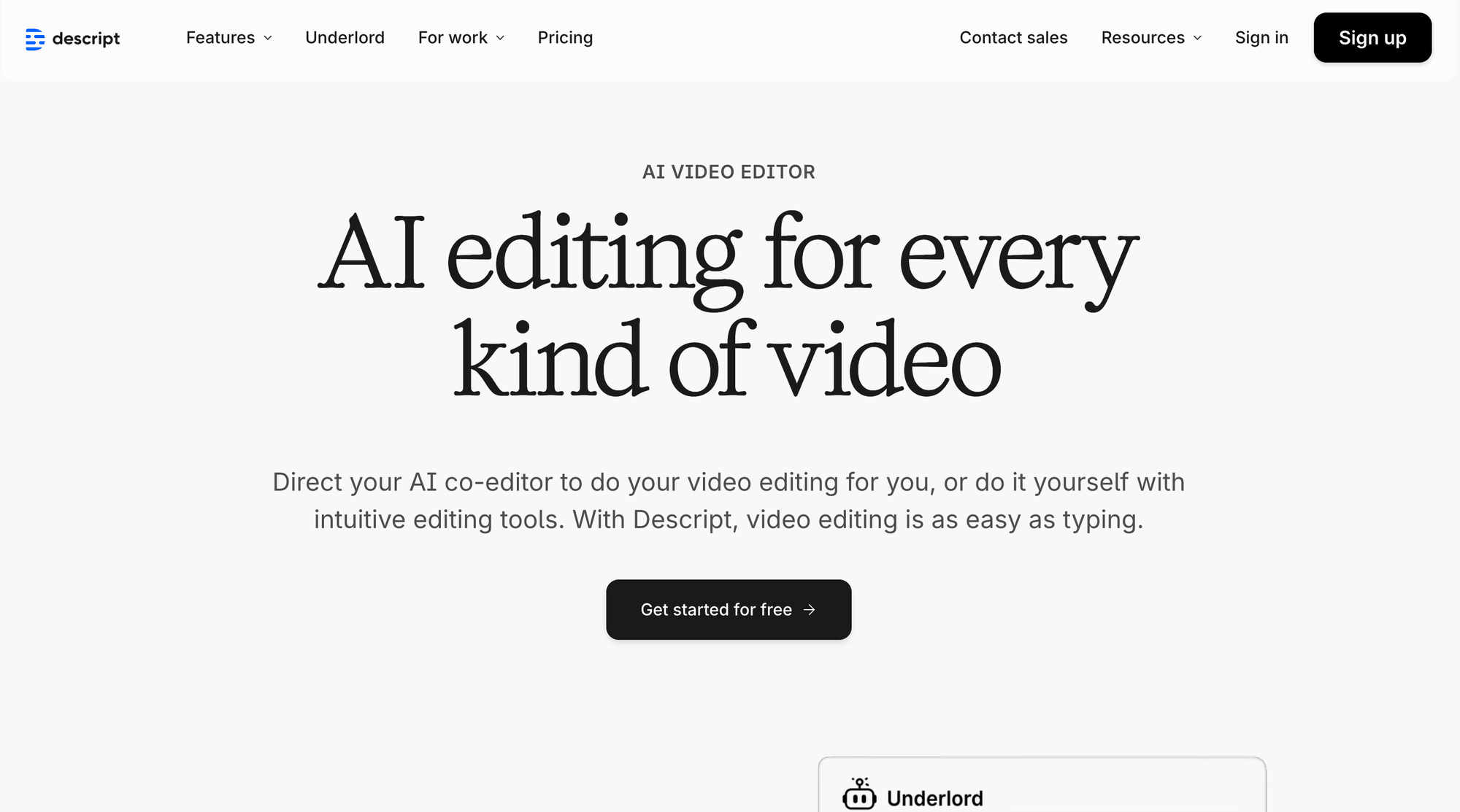
Best for: Script-based editing, podcast videos, voice cloning
Overview
Descript revolutionizes video creation by making your script the editing timeline—cut words to cut video. It features AI voiceovers, stock visuals, multi-track audio, and “Overdub” for voice cloning.
Key Features
- Edit video by editing your words
- AI-powered voiceovers and “studio sound”
- Easy screen recording and audiogram tools
- Collaborative scriptwriting and review
Limitations
- Stock visuals not as robust as dedicated video tools
- More suited for education or narration-based formats
Pro Tip
Perfect for news, commentary, or storytelling faceless channels: script, edit, and narrate at hyperspeed with a consistent brand voice.
5. Pictory

Best for: Turning blog posts and text into engaging, faceless videos
Overview
Pictory automatically excerpts blog posts, scripts, or transcripts and converts them into videos with relevant stock footage and AI voiceover. Great for repurposing written content into video without manual editing.
Key Features
- “Article to video” and “script to video” modes
- Stock video syncing and automatic voice narration
- Auto-captioning
- Scene customization: swap visuals, adjust timing
Limitations
- Visuals are generic unless you upload custom assets
- Best for explainers, how-tos, and listicles
Pro Tip
Repurpose your website content or newsletters to consistently drive SEO and social reach with faceless videos.
6. Runway
Best for: Generative video, text-to-video, and advanced visual effects
Overview
Runway is at the cutting edge of AI video, letting you create unique visuals, animate images, and even generate video from text prompts. It’s popular among creators who want visually striking shorts, trailers, or experimental content.
Key Features
- Advanced text-to-video engine
- Replace backgrounds, remove objects, animate images
- Collaborate live on creative projects
Limitations
- May have a bigger learning curve for beginners
- Expansive, but less automated for daily posting
Pro Tip
Leverage Runway for eye-catching intros, creative visuals, and experimental faceless storytelling shorts.
7. Lumen5
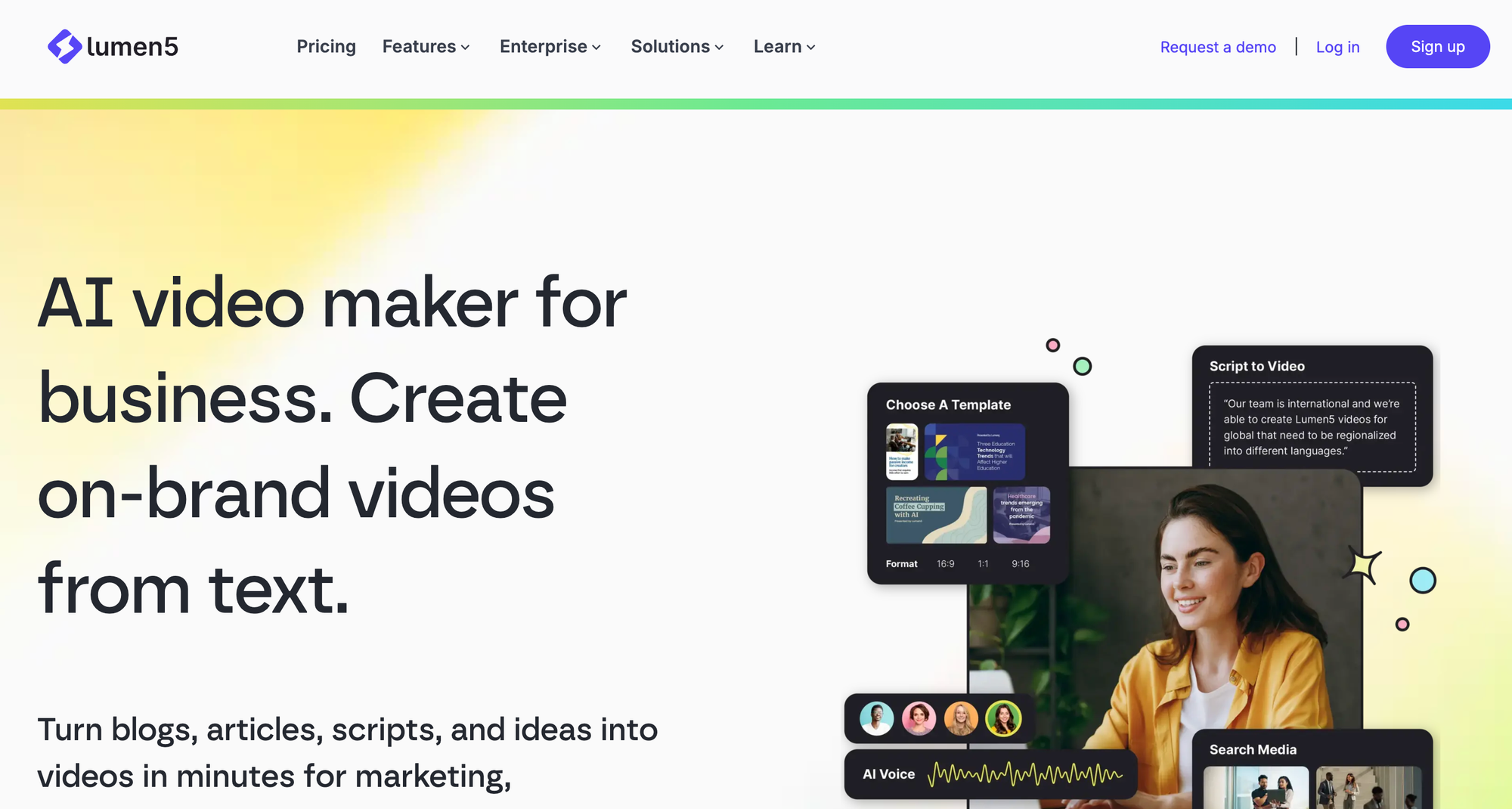
Best for: Business, marketing, and YouTube automation channels
Overview
Lumen5 uses AI to summarize text content and assemble it with stock video and branded visuals, perfect for businesses looking to generate weekly or monthly faceless video content at scale.
Key Features
- Blog-to-video automation
- Rich stock and branding options
- Customizable templates
Limitations
- Short-form viral content is less automated
- More oriented to business and info-marketing
Pro Tip
Use Lumen5 for regular business updates, product announcements, or FAQ shorts that don’t require your face.
8. CapCut
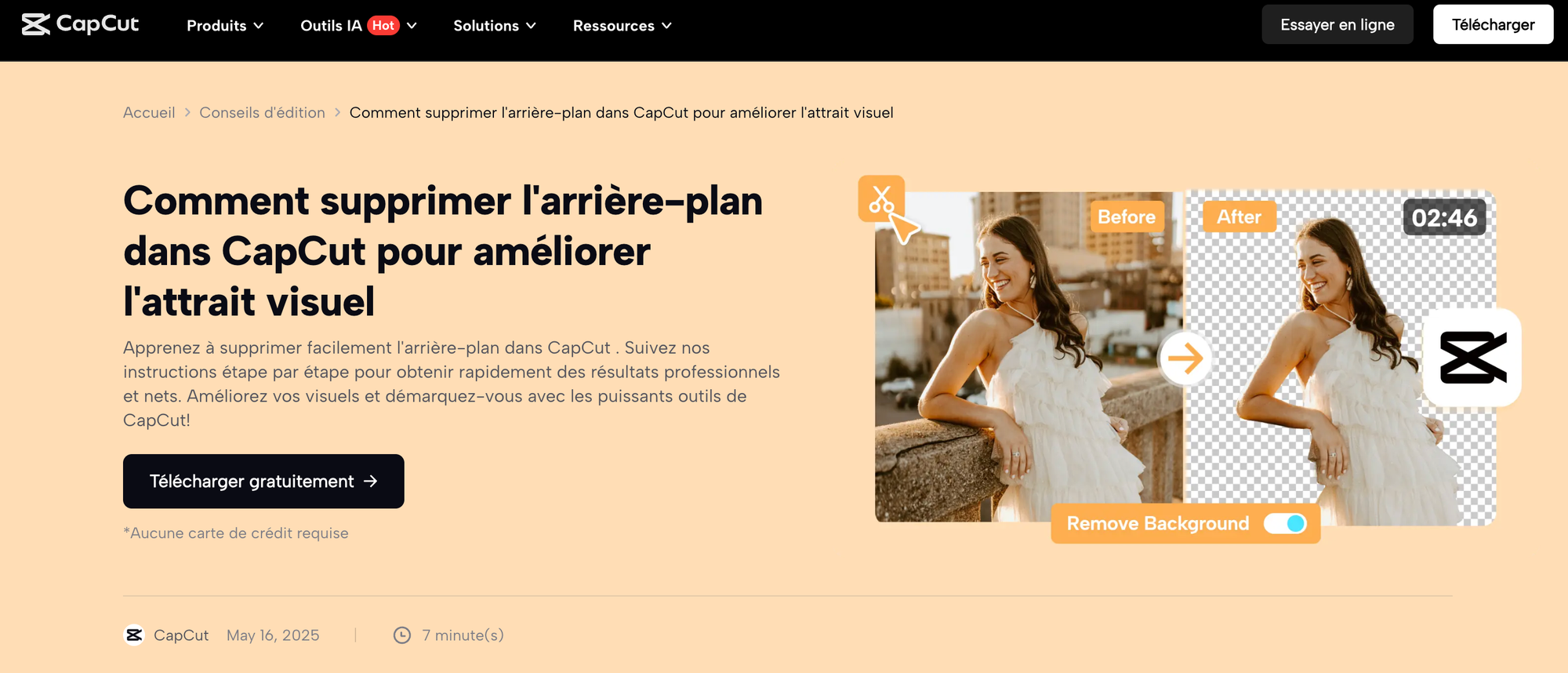
Best for: Quick mobile and web editing for faceless viral TikToks
Overview
CapCut, developed by the company behind TikTok, empowers users to edit, animate, caption, and add music to short-form clips—all for free. Perfect for creators who want granular control after exporting from an AI content generator.
Key Features
- Auto captions, effects, trending filters
- Free stock music and sound effects
- Clipping and remixing social trends
Limitations
- Manual editing can be time-consuming for bulk output
- Lacks AI script/image generation natively
Pro Tip
Use CapCut to polish and localize videos made from StoryShort AI or Pictory before posting.
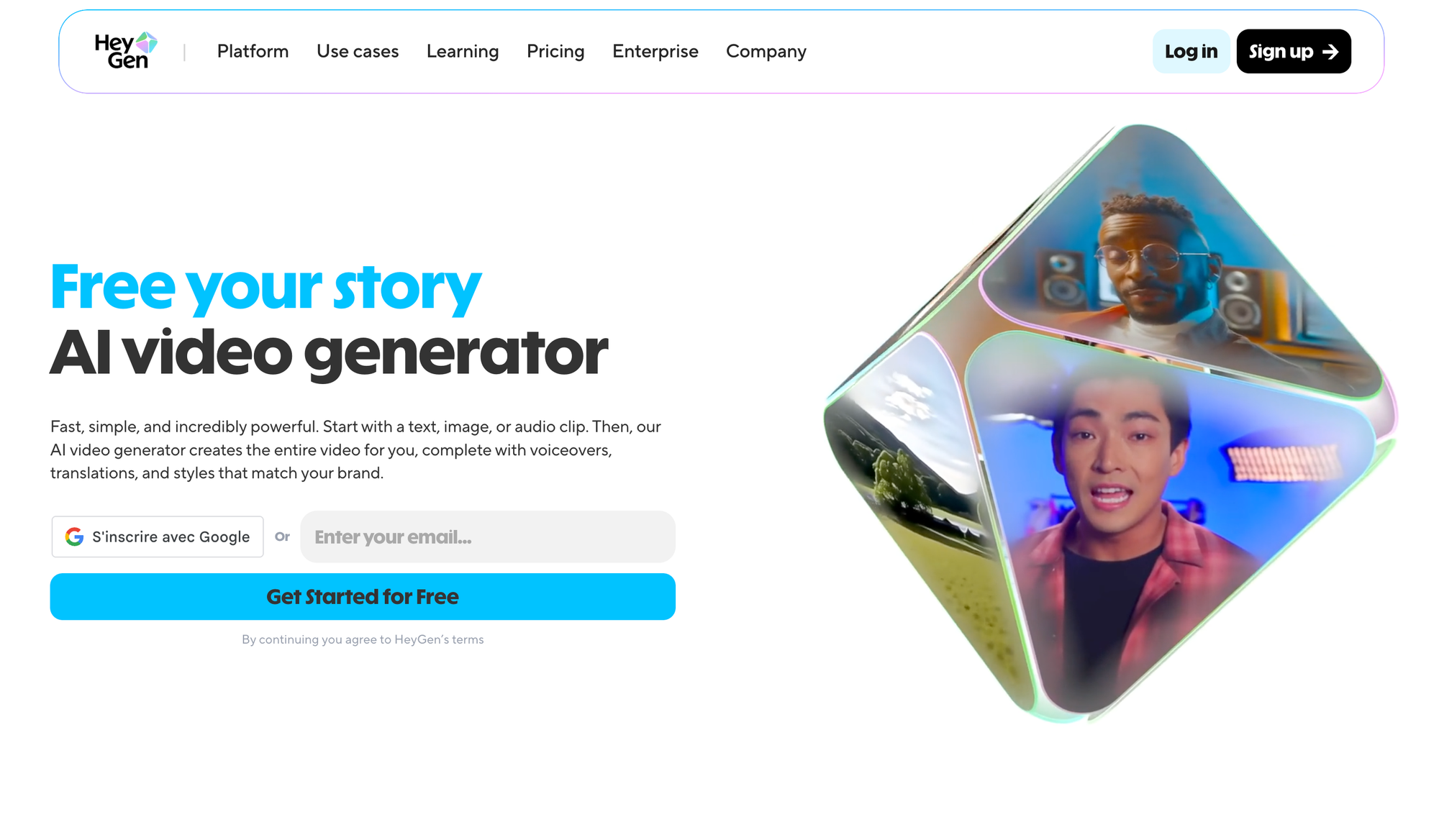
9. HeyGen
Best for: AI avatars, spokespersons, and interactive shorts
Overview
HeyGen focuses on customizable AI avatars—ideal for creating virtual hosts, explainers, or product reviews where a synthetic presence is desired.
Key Features
- Customizable 3D avatars and headshots
- Multi-language and emotion-driven narration
- Script import and automation
Limitations
- Some avatar styles can feel “uncanny”; test for your niche
- Not all formats supported for TikTok/Shorts
Pro Tip
Pair HeyGen avatar clips with stock visuals for listicles, reviews, and tutorial content on YouTube.
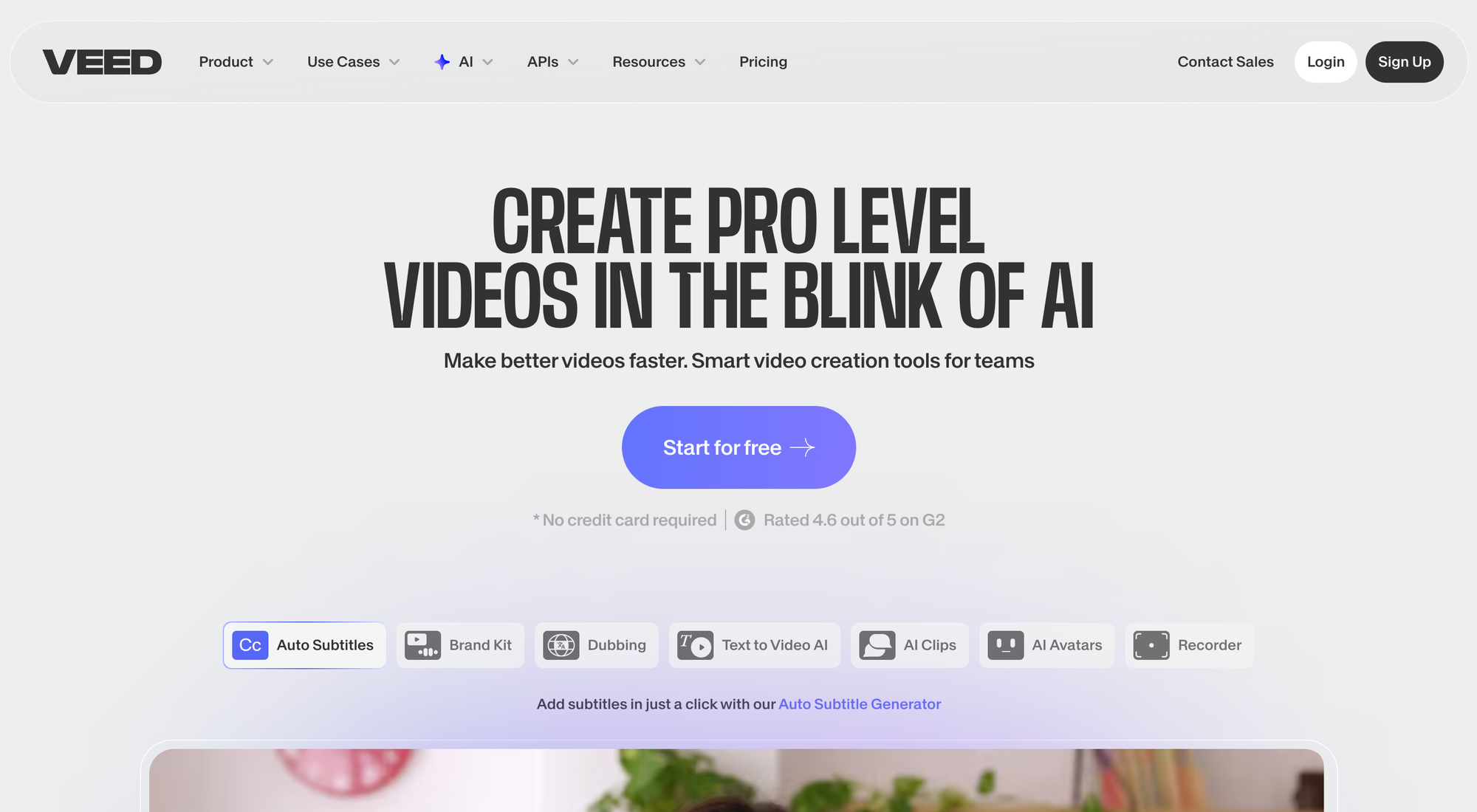
10. VEED.io
Best for: Browser-based, collaborative editing and social video creation
Overview
VEED.io makes it easy to edit, caption, and style videos with audio, stock, and animations. It works well as the final step in the faceless video pipeline for multi-platform publishing.
Key Features
- Auto-subtitles, audio cleanup, and translations
- Stock assets included
- Collaboration and brand kit support
Limitations
- Creation flow is less automated compared to StoryShort AI
- Geared toward post-production, not initial script generation
Pro Tip
Automate your video creation (with StoryShort AI, Pictory, etc.), then use VEED.io for branding and accessibility improvements.
11. D-ID Creative Reality Studio

Best for: Turning text or audio into talking avatar videos
Overview
D-ID specializes in animating photos and creating virtual presenters from portraits, ideal for storytime, testimonials, or character-driven shorts.
Key Features
- Animate faces from photos with realistic lip-syncing
- Supports text or audio script import
- Great for meme-style and story-telling content
Limitations
- Avatars can sometimes fall into the uncanny valley
- Less ideal for highly dynamic or action-driven content
Pro Tip
Create a library of “virtual characters” for recurring series or branded segments—keep your anonymity with creative flair.
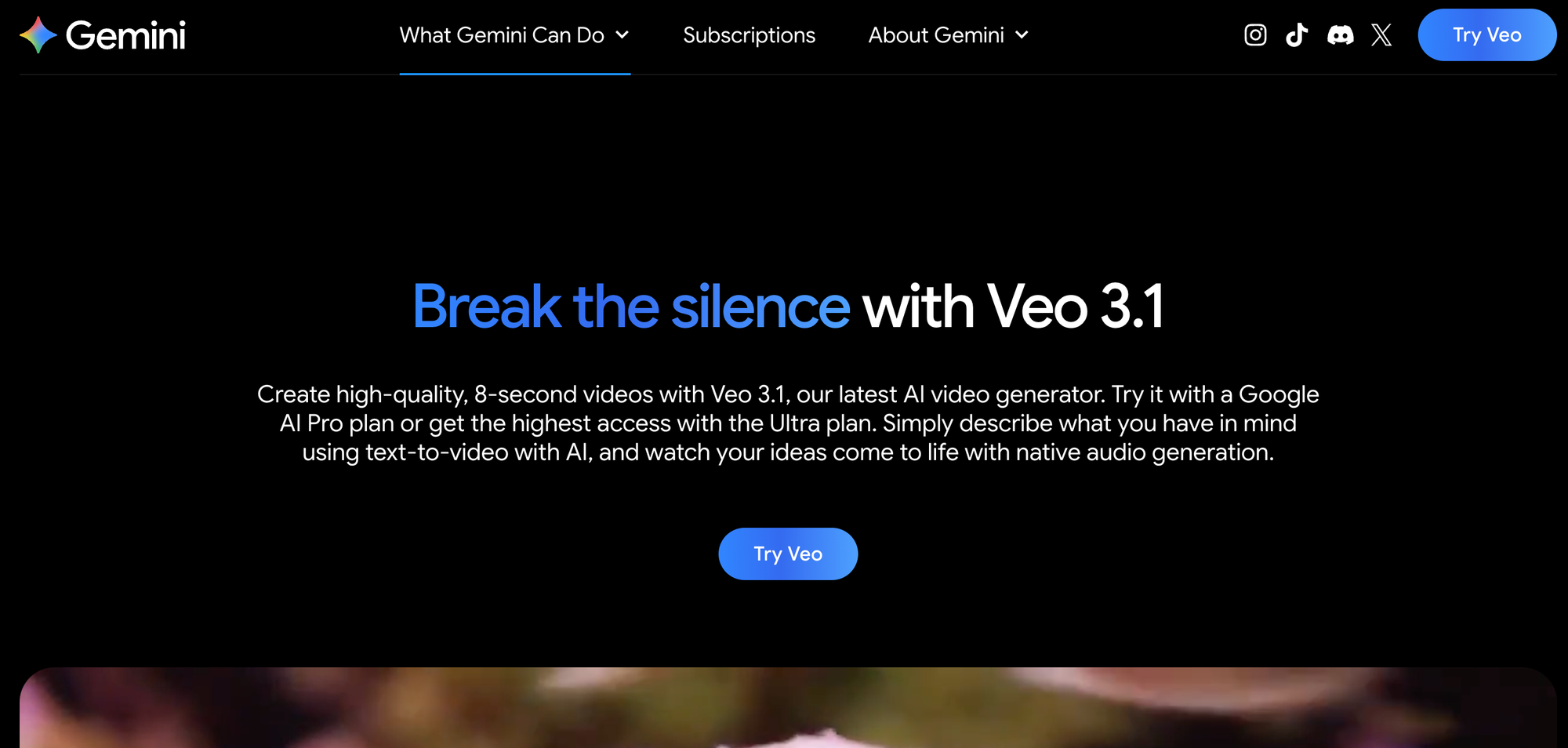
12. Google Veo
Best for: Advanced generative video and future-facing content creation
Overview
Google Veo is building towards true multimodal video generation (text, audio, images to video), with experimental features for creative short-form video. It’s not yet widely available but watch this space for groundbreaking tech.
Key Features
- Next-gen text-to-video
- Synthesis of stock and AI-generated visuals
- Powerful for experimental shorts
Limitations
- Beta access only for now
- May require some technical skill
Pro Tip
Stay up-to-date as these tools evolve—combining Veo, Runway, and StoryShort AI workflows could unlock even more stunning, faceless content options.
How to Choose the Right Faceless Video Tool
Not all faceless video creators are the same! Consider:
- Your Target Platform:
Short-form for TikTok/Shorts? Use StoryShort AI or CapCut.
Long-form explainers? Try Synthesia or Descript. - Preferred Workflow:
Do you want full automation, or more creative control?
StoryShort AI handles end-to-end, while Canva and VEED.io offer granular editing. - Budget and Scale Needs:
How many videos per week? Solo vs team?
StoryShort AI and Pictory excel for bulk creators; Canva or Lumen5 are ideal for periodic branded content. - Niche & Content Type:
Tutorials, motivational, commentary, memes, news, reviews, or original stories?
AI avatars (Synthesia, HeyGen), stock-focused (Pictory), fully automated (StoryShort AI). - Automation & Scheduling:
Tools like StoryShort AI - Automated Video Content Platform stand out with built-in daily posting and analytics for truly set-it-and-forget-it growth.
Pro Tips for Viral Faceless Video Success
- Batch produce content and schedule releases using StoryShort AI or Lumen5.
- Use AI voices with accents or multiple languages to reach global audiences.
- Repurpose blog posts, tweets, or trending subreddit threads into faceless story videos.
- Keep videos fast-paced—average watch times for viral Shorts are under 40 seconds.
- Always add captions—85% of short-form videos are watched without sound (source).
Conclusion
Faceless video creation isn’t just a trend: it’s now a dominant strategy powering viral channels, anonymous brands, educational ventures, and micro-businesses worldwide. Whether automating viral TikTok Shorts via StoryShort AI - Automated Video Content Platform (storyshort.ai), animating avatars in Synthesia, or batch-producing explainers in Pictory, there’s a tool to match every workflow and creative vision.
The most successful creators combine AI-powered automation, platform-specific optimization, and engaging storytelling—all without ever stepping in front of a camera.
Ready to scale your faceless video content? Start exploring these tools, adapt them to your workflow, and you’ll be well-positioned to catch the next viral wave.
Explore StoryShort AI - Automated Video Content Platform at storyshort.ai for effortless viral video creation trusted by thousands of top creators.
[Note: This list is maintained as of early 2026. As AI video tools evolve, check for updates to ensure you have the latest and greatest available.]